
Last Updated on June 7, 2026 by admin
JavaScript Operators
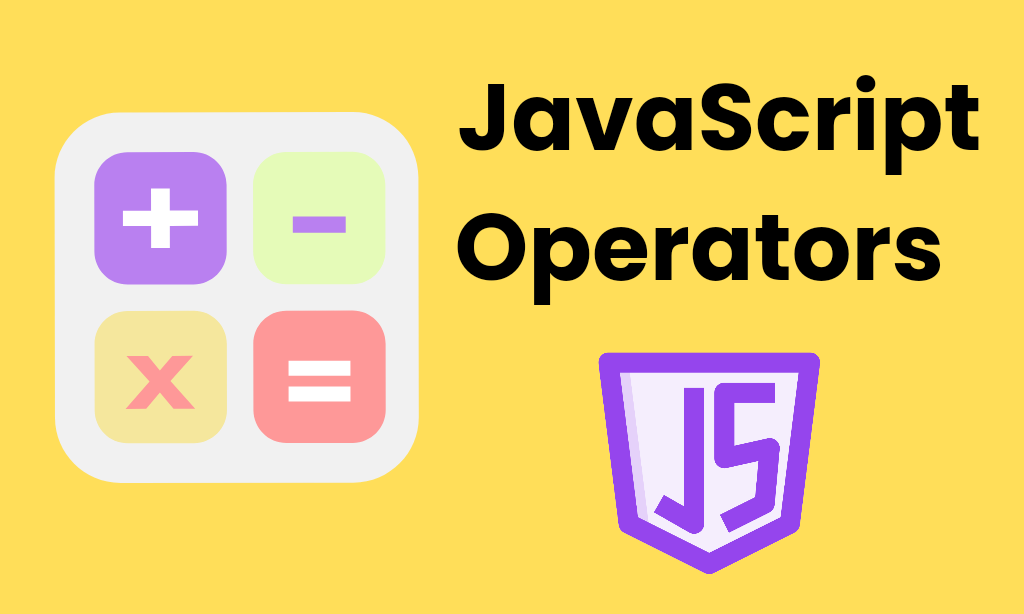
- JavaScript Operator is a special symbol used to perform operations on operands.
- Operators are used to compare values, perform arithmetic operations.
- They are essential for performing arithmetic, comparison, logical, and assignment tasks in JavaScript.
Some of the most common JavaScript Operators are given below :-
– Arithmetic Operators
(1) Addition: ‘+’
var num1 = 10;
var num2 = 20;
var result = num1 + num2;
(2) Subtraction: ‘-‘
var num1 = 10;
var num2 = 20;
var result = num2 – num1;
(3) Multiplication: ‘*’
var num1 = 10;
var num2 = 20;
var result = num1 * num2;
(4) Division: ‘/’
var num1 = 10;
var num2 = 20;
var result = num2 / num1;
(5) Remainder (Modulus): ‘%’
var num1 = 10;
var num2 = 20;
var result = num2 % num1;
(5) Increment : ‘++’
var num1 = 10;
num1++;
– Comparison Operators
(1) Equal to : ‘==’
5 == “5” returns true because the values are equal after coercion.
(2) Not equal to : ‘!=’
5 != “5” returns false because the values are equal after coercion.
(3) Strict equal to : (===)
5 === “5” returns false because the types are different.
(4) Strict not equal to : (!==)
5 !== “5” returns true because the types are different.
(5) Greater than : (>)
10 > 5 returns true.
(6) Less than : (<)
5 < 10 returns true because 5 is smaller than 10.
(7) Greater than or equal to : (>=)
10 >= 10 returns true because 10 is equals to 10.
(8) Less than or equal to : (<=) :
5 <= 10 returns true because 5 is smaller than 10.
– Bitwise Operators
(1) Bitwise AND : (&)
(15 == 20 & 20 == 33) = false
(2) Bitwise OR : (|)
(15 == 20 | 20 == 33) = false
(3) Bitwise XOR : (^)
(15 == 20 ^ 20 == 33) = false
(4) Bitwise NOT : (~)
(~10) = -10
(5) Bitwise Left Shift : (<<)
(10 << 2) = 40
(6) Bitwise Right Shift : (>>)
(10 >> 2) = 2
(7) Bitwise Right Shift with Zero : (>>>)
(10 >>> 2) = 2
– Logical Operators
(1) Logical AND (&&)
(15 == 20 && 20 == 33) = false
(2) Logical OR (||)
(15 == 20 || 20 == 33) = false
(3) Logical NOT (!)
!(10==20) = true
– Assignment Operators
(1) Assign: ‘=’
10 + 25 = 35;
(2) Add and Assign: ‘+=’
var a = 10;
a += 20;
Now, a = 30;
(3) Substraction and Assign: ‘-=’
var a = 20;
a -= 10;
Now, a = 10;
(4) Multiplication and Assign: ‘*=’
var a = 20;
a *= 10;
Now, a = 200;
(5) Division and Assign: ‘/=’
var a = 20;
a /= 10;
Now, a = 2;
(6) Modulus and Assign: ‘%=’
var a = 20;
a %= 10;
Now, a = 0;
– Special Operators
(1) (?:)
Conditional Operator returns value based on the condition. It is like if-else.
(2) ,
Comma Operator allows multiple expressions to be evaluated as single statement.
(3) delete
Delete Operator deletes a property from the object.
(4) in
In Operator checks if object has the given property.
(5) instance of
Checks if the object is an instance of given type.
(6) new
Creates an instance.
(7) typeof
Checks the type of object.
(8) void
It discards the expression’s return value.
(9) yield
Checks what is returned in a generator by the generator’s iterator.
Note :-
- If you want to learn Javascript, Above are the key points which will help you to grow more in your career.
- Also, if you like this post or have any queries, Do let me know in the comments.
- Below are the resources to learn more about Javascript.